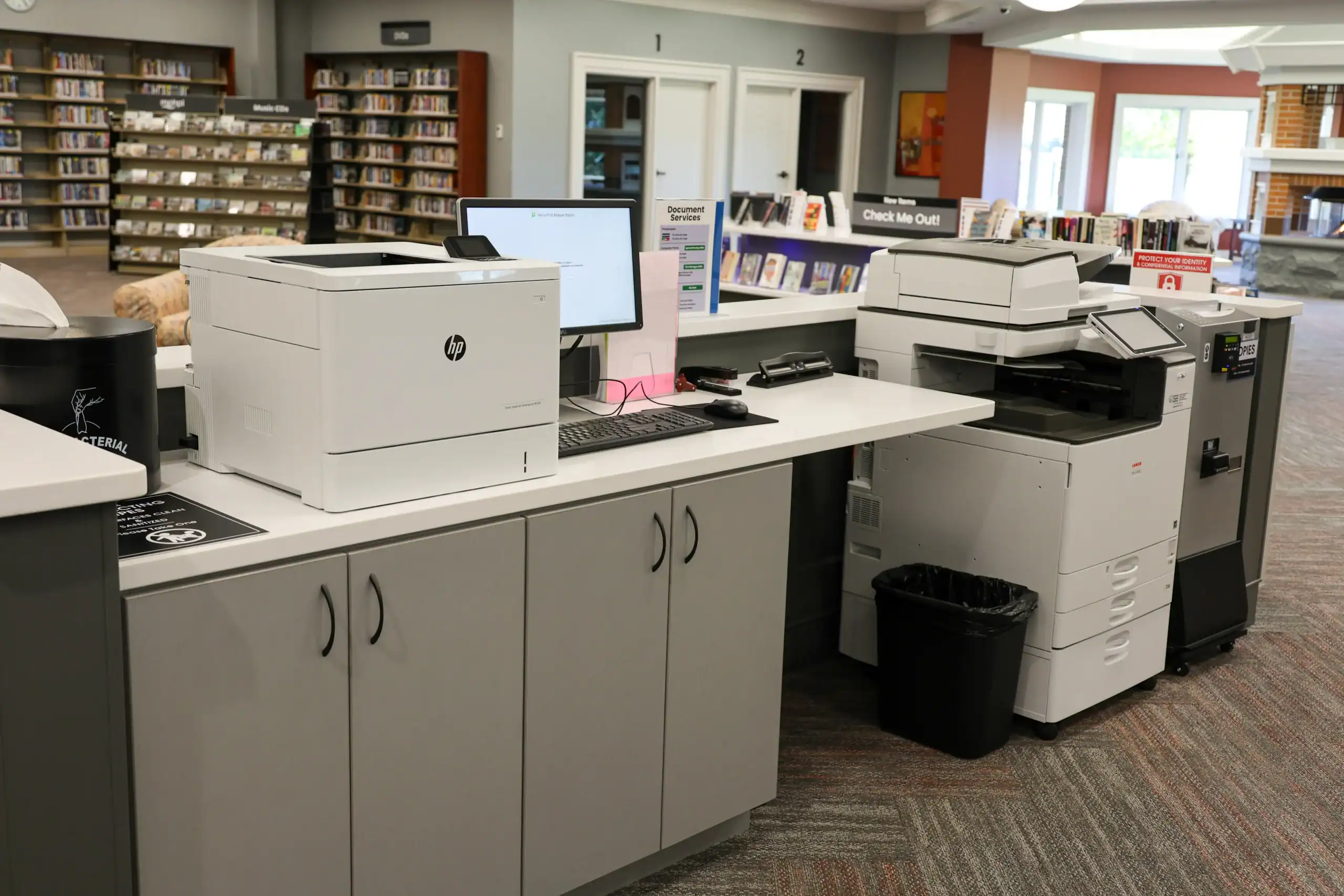
Printing Costs
Patrons receive up to $2 in computer prints free per day.
Additional pages:
- Black and white prints are 10 cents per page.
- Color prints are 25 cents per page.
- When printing a double-sided document, each side is considered a page.
Payments can be made with cash or by credit/debit card.
How to Print
Print from a computer in our lab (library card required). Send a print via mobile printing (see next section for more information).
Mobile Printing
You can print documents directly from a library computer or send a mobile print request with your smartphone, tablet, desktop or laptop. Prints must be picked up within 24 hours of sending.
How to Send a Mobile Print Request
Print from the Website (PC/Mac Only)
Visit the Mobile Print Website. Once on the website, follow these instructions:
- Enter your name or library card number.
- Add an email address or mobile number for a confirmation (optional).
- Click the blue “Continue” button.
- Drag and drop or select the file you wish to print.
- Scroll down and ensure your print settings are set correctly.
- Click the blue “Submit” button at the bottom.
Forward from your email account
Use one of the library’s mobile email addresses below to send a print request directly from your email account.
Notify a library staff member when the request has been sent and staff will release the print.
Download the mobile print app
To print from your smartphone or tablet, download the ePRINTit app by using the links below.
Once in the app, instructions are similar to those listed above in Print from the Website.
Copy Machines & Faxing
Copy Machines
- Copies are 10 cents per black & white page and 25 cents per color page.
- When printing a double-sided document, each side is considered a page.
- Scanning to email is available at no cost.
Faxing
- Patrons may send up to 10 pages FREE per day.
- Cover sheets are available.
- Each additional page is $1.00.